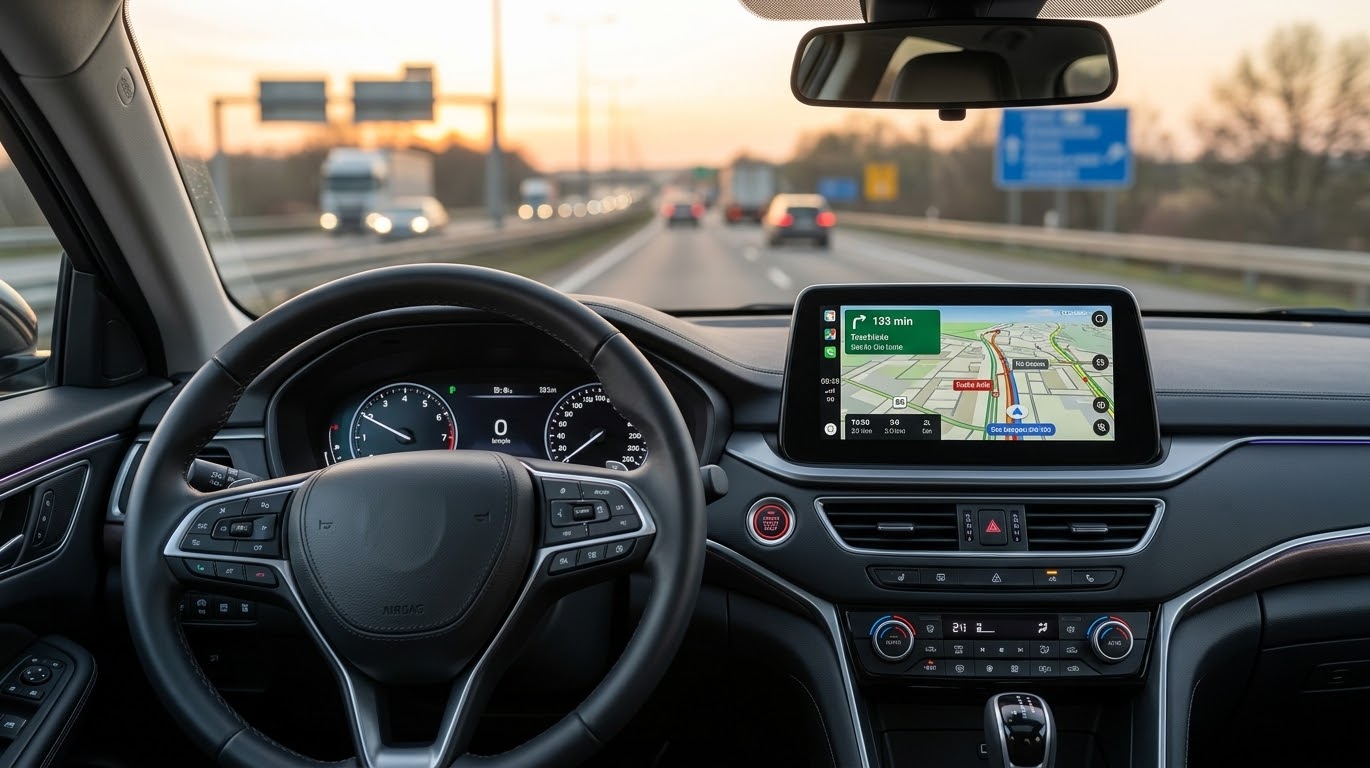
Electronic driving logs and fleet tracking that meet tax authorities' requirements with one system - without hidden costs.
The driving log compliant with tax authorities' requirements is automatically saved. You mark work trips with the wireless work trip button.
No installation required. Plug tracker into your car's OBD connector and tracking starts immediately.
See the entire vehicle fleet on the map.
You will receive driving logs and reports automatically and avoid billing errors.
For example, property maintenance, distribution and transportation, earthmoving, construction, cleaning and home services.
Car and machine maintenance and service reminders.
Driving log and vehicle tracking €9.90/month (12 month contract) + GPS-tracker 69 € one-time payment.
Prices VAT 0%, free shipping.
“Excellent service, smooth system”
“Pays for itself quickly in cost savings”
“A well-functioning positioning verifies invoicing”
Driving routes, dates, times and destinations visited. The system produces driving logs and travel invoice items that meet the requirements of the Tax Administration.
Yes. In the personal driving logbook, the driver marks private trips with the work trip button. Private trips are saved, but they are only visible with the driver's personal ID. The entries can be changed later in the program.
The wireless work trip button is in the car at all times. When work trip is selected, trips are recorded as work trips, and when the button is off, trips are recorded as private trips. The selected work/private trip mode remains until you change it yourself. You do not need to change the mode at the beginning or end of a trip. Note: If you change the mode while driving, the trip will be divided into two different routes (work trip/private).
Yes. Disconnect tracker from the OBD connector.
Yes. Tracker records the odometer readings using GPS positioning. Enter the car's odometer reading in the program under "BASIC INFORMATION" / "Odometer and hour meter calibration". You can see the car's odometer reading from the "Additional OBD/CAN information" button at the top of the "MAP" window.
No. Connect tracker to your car's OBD connector and the tracking will start.
In a browser on your computer, tablet or phone. No need to install the program.
Yes. The locations are shown on the map.
Yes. You can record vehicle and machine inspection times, maintenance times, and related messages based on mileage tracking and machine hour tracking.
Yes. The driving, maintenance and expenses of all vehicles and machinery are monitored centrally.
Tracker is placed on the dashboard or center console and connected to 12 or 24 V voltage using a ground and power cable.
Driver identification, monitoring of unpowered machines, tools and accessories, and temperature measurement.
The tracker has a full replacement guarantee for the entire contract period.
No. Shipping is free, and there are no setup fees or billing surcharges.
company
vehicles
million driving routes
billion positioning points
Orders, presentations/negotiations Mon-Fri 8am-4pm:
Email: sales[at]route-tracker.com
Email, customer service and billing
customerservice[at]route-tracker.com
RTPro Oy is a Finnish family business
© Route-Tracker RTPro Oy - route-tracker.com - Privacy Policy